
Turnyouridledeviceintoadedicateddeskcockpit.
Giveyoursparephoneasecondlifeonyourdesk.
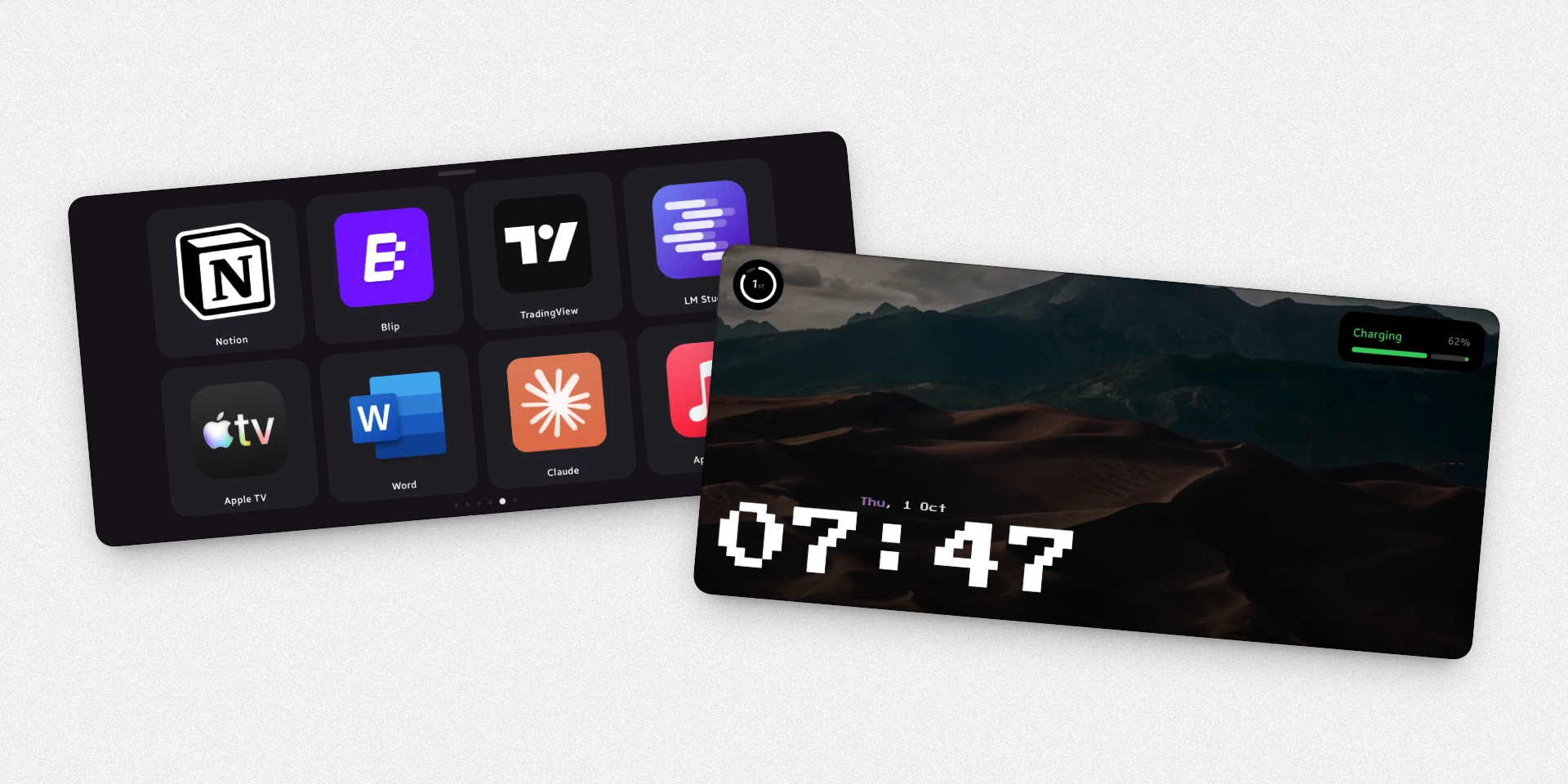
Beautiful StandBy clocks, live widgets, and a customizable PC touch deck — all on one screen.


Two distinct roles.
One unified companion.
Switch seamlessly between passive desk clocks and active PC macro control.
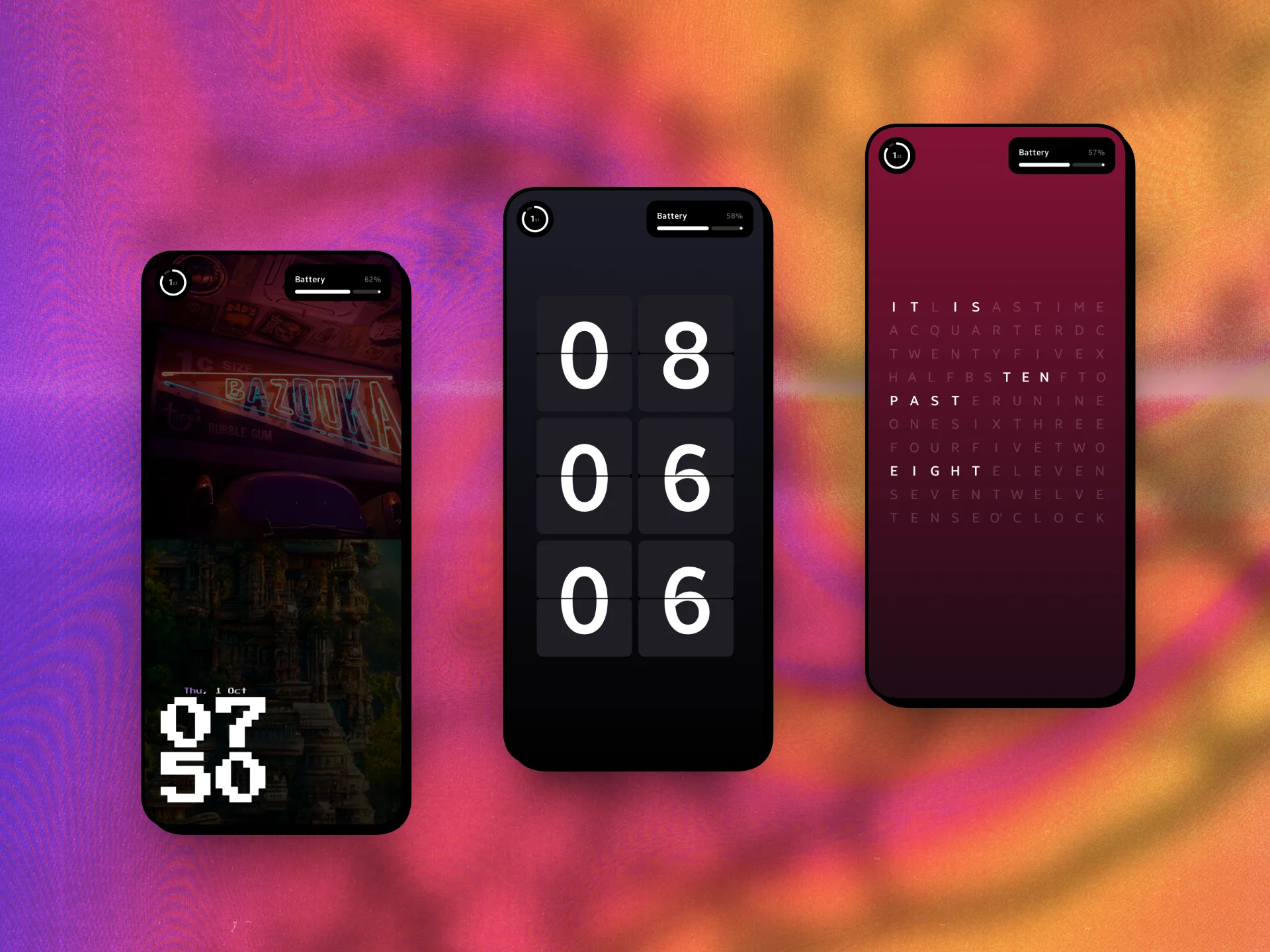
Standby
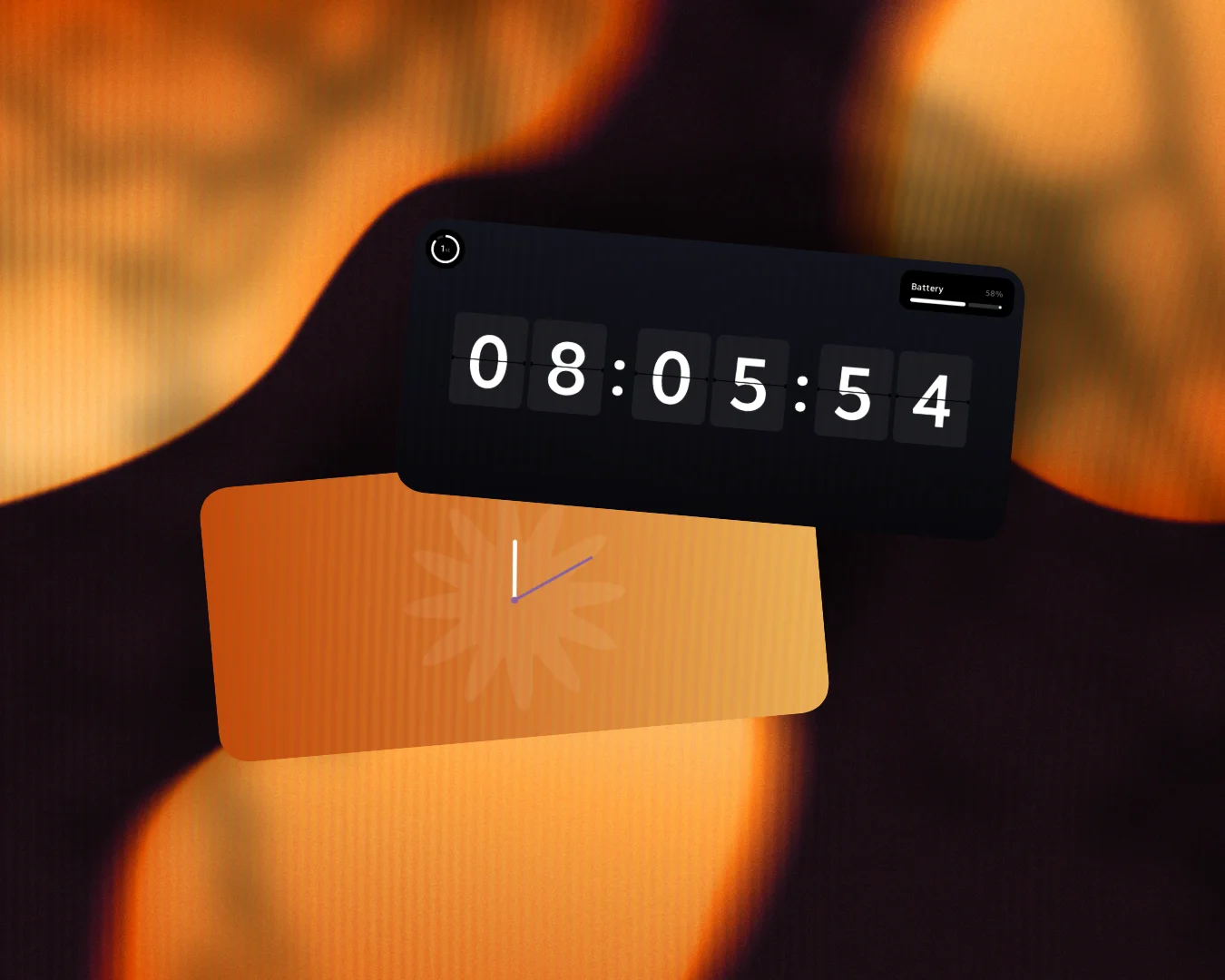
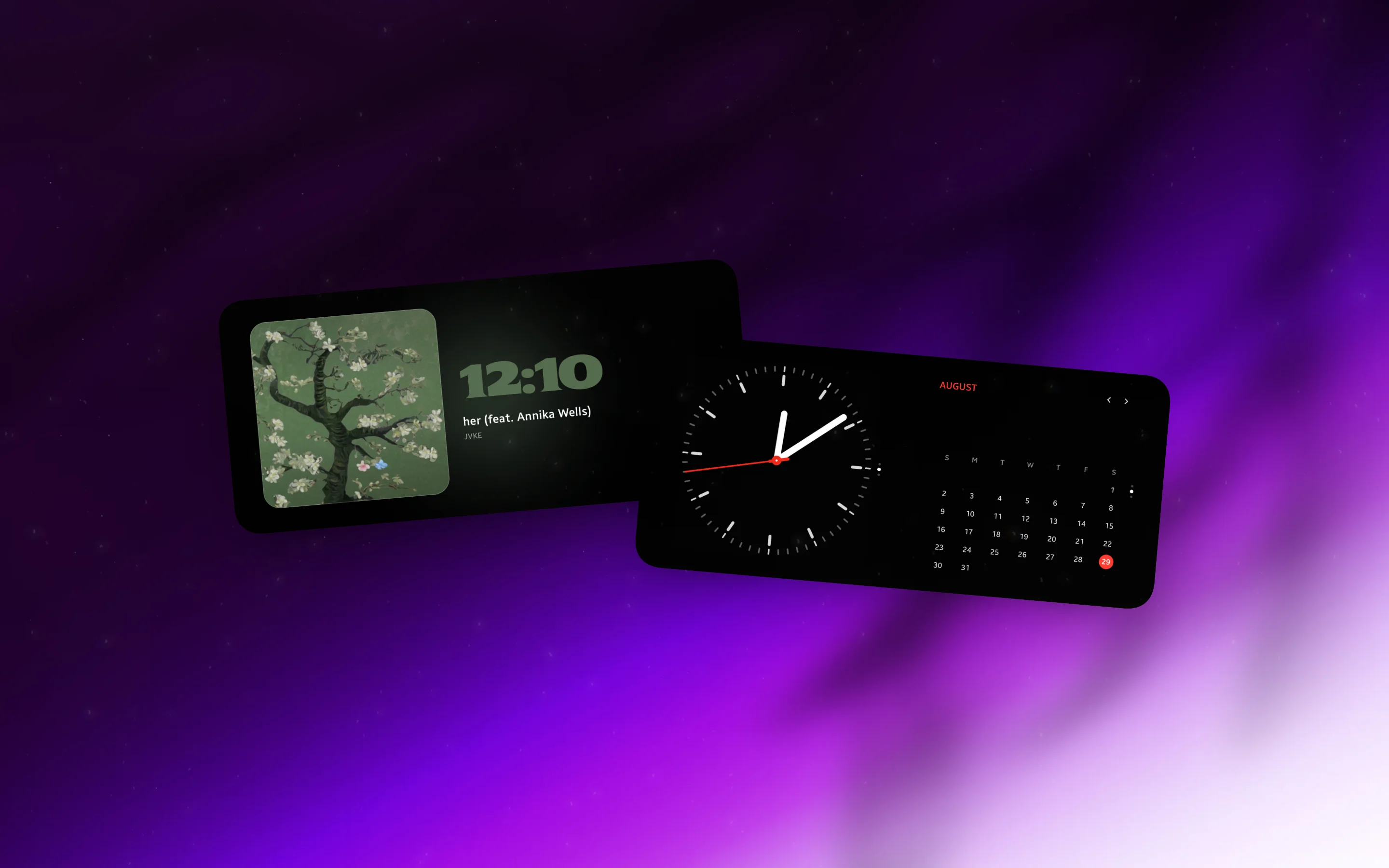
Dynamic clocks, media playback, widgets & more always in sight on your desk.
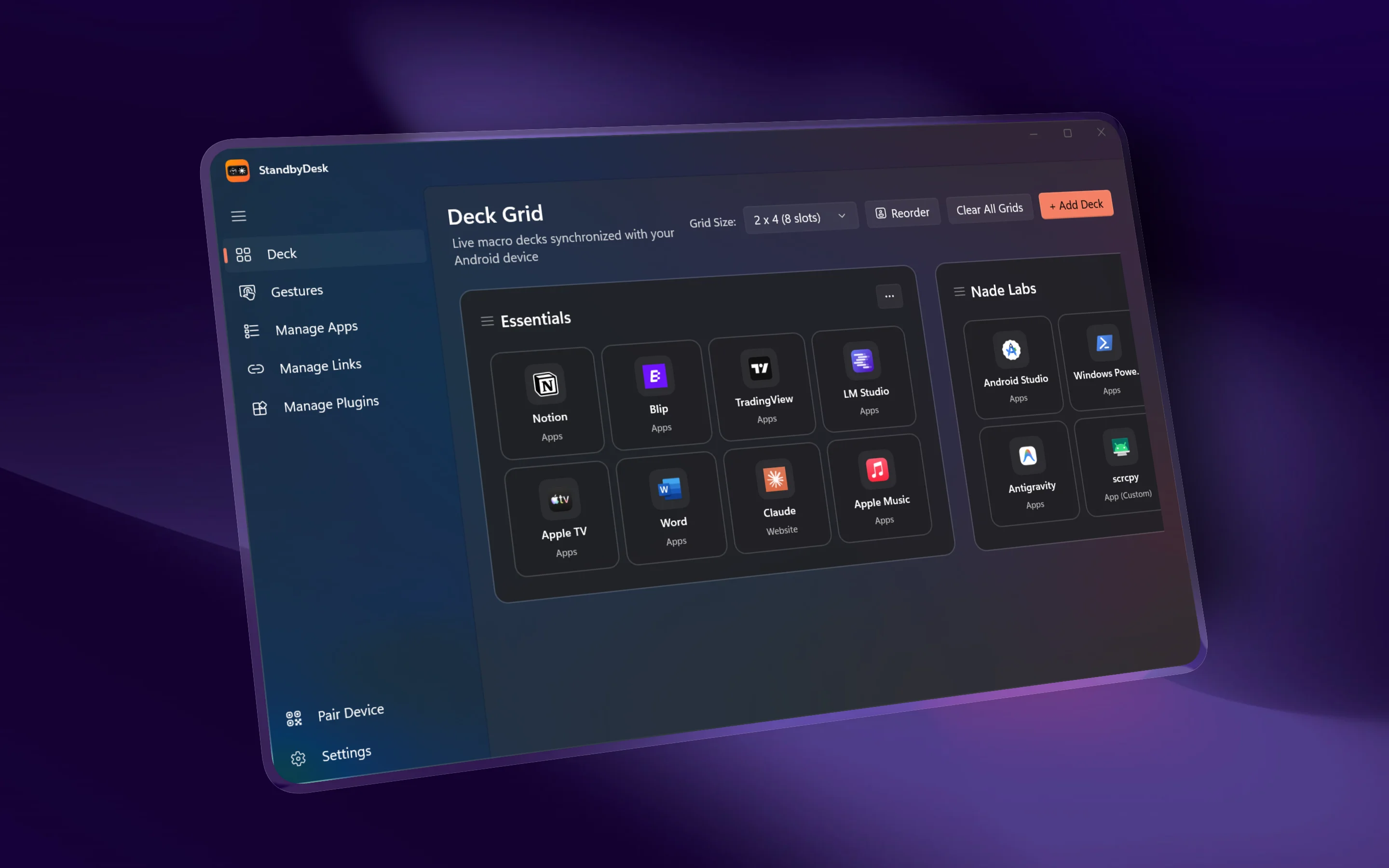
Deck
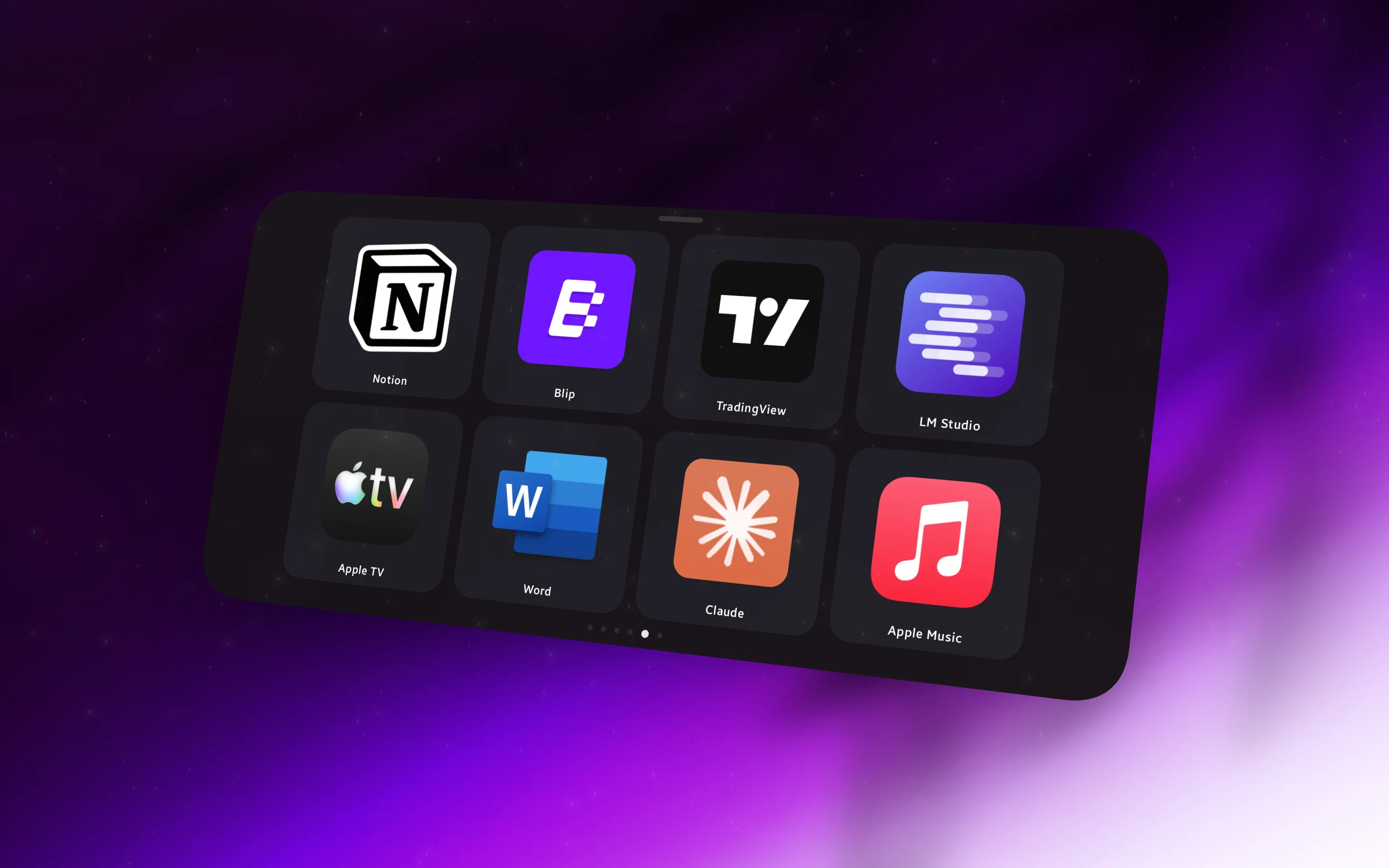
A customizable touchscreen control pad for Windows. Launch apps, trigger hotkeys, and manage media instantly.
Engineered
for your desk.
Keep your primary displays clean and focused while all system controls, dynamic clocks, and macro triggers stay right within reach.
100% Local & Private
Direct local communication over Wi-Fi. Zero cloud relays, zero data collection, and no account registration required.
Instant Macro Triggers
Launch favorite apps, execute custom Windows hotkeys, and manage volume and media playback with sub-10ms response time.
Effortless Pairing
Devices auto-discover each other across your home network. Connect in seconds using a simple pairing code or camera QR scan.
Fully Customizable Decks
Design custom button grids, assign personalized icons, create multi-deck layouts, and organize shortcuts with real-time PC drag-and-drop.
Get Standby Desk.
Available for your Android device and PC. Free to download on official app stores.
Android
Android 8.0+Ambient StandBy clocks, tools, widgets, and customizable macro decks.
Windows
Windows 10 & 11Lightweight companion that syncs with your PC, media controls, instant hotkeys & more.